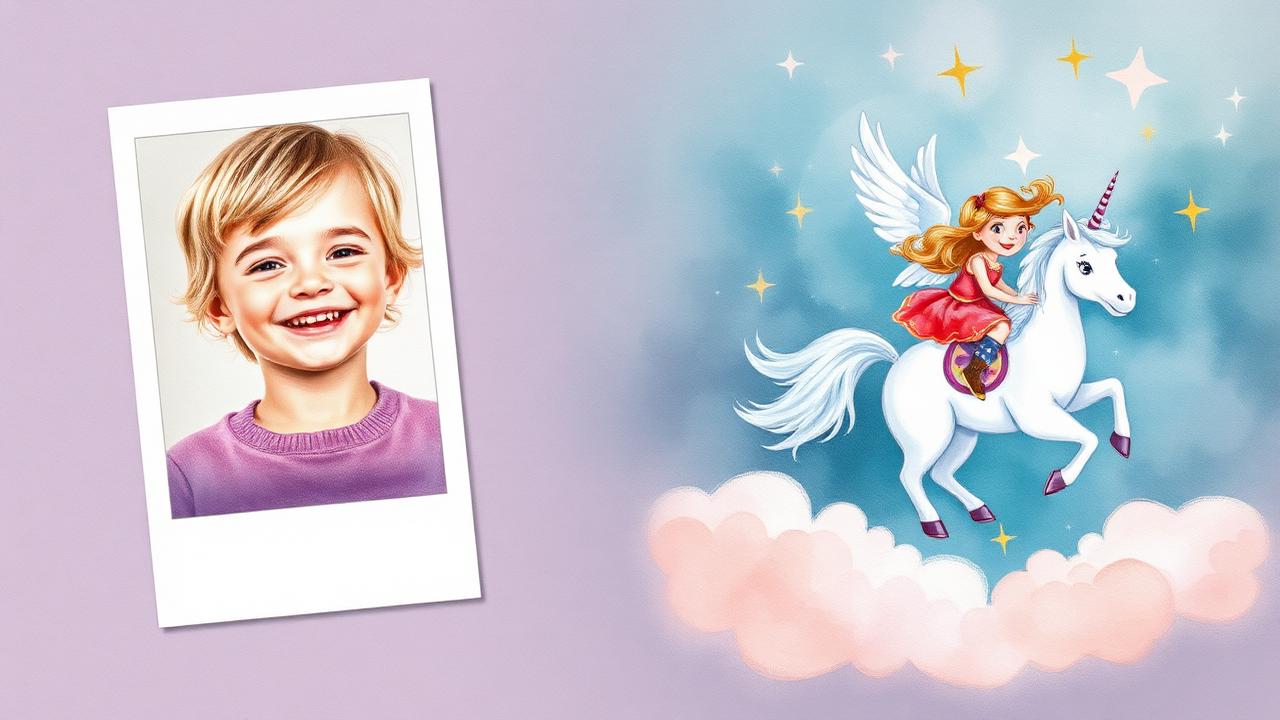
If you've searched "AI storybook with my child's photo" you've probably seen the same demo a dozen times: parent uploads a smiling photo, hits a button, gets back a magical adventure starring their kid. The demos look amazing. The reality, on most tools, is that the child stops looking like the child by page 4. Here's what actually works in 2026 — and how to evaluate any tool before you pay.
Why photo-to-storybook is harder than it sounds
Generating a single illustration that looks like your kid is easy. Generating twelve illustrations of the same kid across different scenes, outfits, camera angles, and emotions — that's the hard part. Most AI image models drift: page 1 looks like Maya, page 4 looks like a cousin, page 9 looks like a different child entirely. The tools that solve this rely on a technique called likeness anchoring.
Likeness anchoring, in plain English
Some tools use a character reference to guide illustrations across a book. This can help consistency but does not guarantee an exact likeness. Photo processing and retention depend on the provider; read its privacy policy rather than assuming the photo is used only once.
What to upload — and what not to
- Use a clear, well-lit, front-facing photo. Indirect daylight beats flash.
- Avoid heavy filters, sunglasses, hats, or extreme angles — they confuse the anchor.
- One photo is enough on most tools. Some let you add 2–3 for better accuracy.
- Don't use group photos. The tool may anchor on the wrong child.
- If your child has a unique feature (freckles, missing front tooth, glasses), pick a photo that shows it clearly — it makes the likeness much stronger.
Step-by-step: from photo to printed book
- Create a free account on an AI storybook tool that supports photo upload.
- Upload a clear photo you have permission to use and check how the provider processes and retains it.
- Add your child's name, age, and any companion characters (a sibling, a stuffed animal, a pet).
- Pick a story type — bedtime adventure, birthday, first day of school, etc.
- Check what any preview includes and when payment is required. On StoryStar, a printed package is paid before creation; a free cover preview may be available when enabled, and full digital creation requires a subscription.
- Create the full book after choosing the required plan or purchasing a printed package. Generation time varies.
- Review each page and use supported fixes within the allowance shown for your book and plan.
- Review the finished digital book and available downloads. For a purchased StoryStar printed package, approve the proof to start printing; there is no second payment for the included copy.
How to evaluate a tool before you pay
Almost every tool produces a beautiful first page. The differentiator is consistency, editing, and price. Use this checklist on any tool you're considering:
| What to test | Why it matters |
|---|---|
| Is page 1's face the same as page 8's face? | Most tools fail here. This is the single biggest quality signal. |
| Can you regenerate a single page without redoing the whole book? | Without this, one bad page ruins the keepsake. |
| Are body proportions age-appropriate? | Some tools draw 4-year-olds with 10-year-old bodies. Look for age in the prompt UI. |
| What does it cost per book, all-in? | Compare the first payment, renewal terms, included allowances, print format, and shipping. |
| Is there a real printed product, or only PDF? | Keepsakes get re-read. Digital files don't. |
Comparing photo likeness and editing options
Our comparison guide lists questions to ask about StoryStar and other tools. Compare current interior samples, editing allowances, privacy terms, and complete prices. This guide does not provide an independent likeness ranking or guarantee a particular result.
Explore photo-based storybooks — Choose a printed package without a subscription, or check current subscription plans for full digital creation.
Common mistakes that ruin AI storybooks
- Uploading a blurry phone snapshot. Garbage in, garbage out — the anchor is only as good as the photo.
- Writing a story prompt that's too vague ("a fun adventure"). Specific stories produce specific, varied illustrations.
- Skipping the review step. Check available samples and preview terms before purchase, then review the finished book before approving print.
- Trying to fit too many characters in. Two main characters is the sweet spot. Beyond that, faces start to mush together.
- Choosing a tool with no per-page editing. One bad page is inevitable; without editing, you have to scrap and restart.